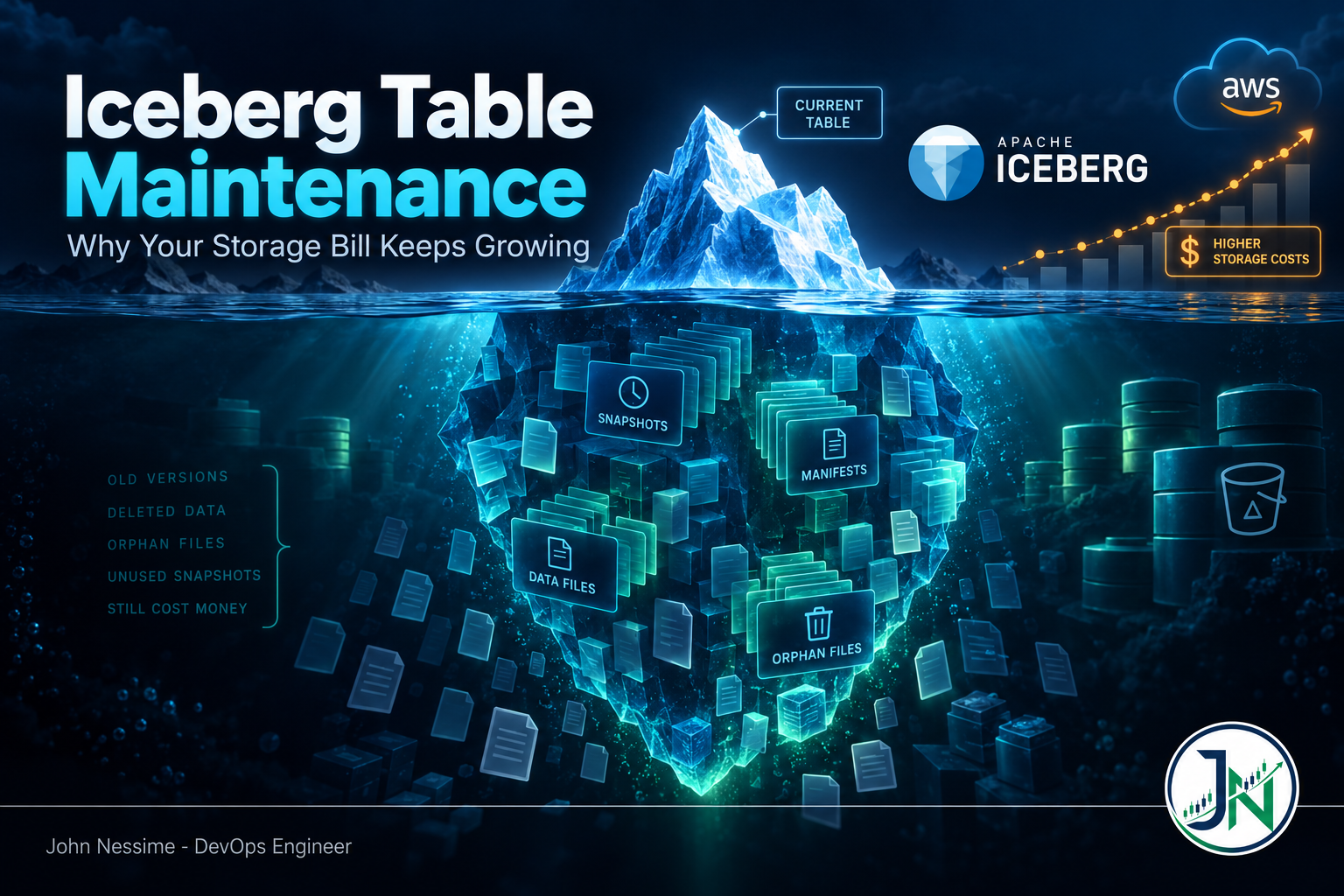
The question usually comes from finance, not engineering. Someone points at the bucket holding the analytics lake and asks why it is twice the size it was two quarters ago. Nobody added a pipeline. The tables are the same tables. One of them had a large chunk of history deleted on purpose, and the bucket still grew.
That gap between what a table logically contains and what the object store physically holds is what Iceberg table maintenance exists to close. Iceberg never overwrites a file in place. Deletes and updates write new files and a new pointer, and the old files sit where they are until something explicitly removes them. If nothing does, the bill only moves one way.
This post covers where those bytes hide, why expiring snapshots often frees nothing, how orphan files accumulate without showing up in any metadata you would think to check, and the order to run cleanup so you do not corrupt a table while shrinking it.
Why deleting rows does not shrink anything
Every write produces a snapshot: an immutable view of the table at a point in time, pointing at a manifest list, which points at manifests, which point at data files. Nothing in that chain is mutated. A new commit builds a new chain that reuses most of the old files.
That design is what gives you time travel, rollback and safe concurrent writes. It is also why storage grows silently. A data file only becomes a deletion candidate once no retained snapshot references it. Delete a year of rows and you free nothing, because the snapshot from before the delete still points at every one of those files.
So maintenance is not an optimization. It is the mechanism by which deletes become real.
The four places your storage is actually sitting
When a lakehouse bucket balloons, the bytes are in one of four categories. Each needs a different tool, and confusing them is how teams end up running the same job for weeks with no effect.
1. Data files held alive by snapshots you never expired
This is the one everyone knows about and usually the largest share. Snapshots accumulate until something expires them, and nothing expires them by default.
Before changing anything, look at the table’s own metadata. Iceberg exposes it as queryable tables:
-- How many snapshots exist, and how far back do they go?
SELECT committed_at, snapshot_id, operation
FROM db.orders.snapshots
ORDER BY committed_at;

-- How much data does the CURRENT snapshot reference?
SELECT count(*) AS file_count,
       sum(file_size_in_bytes) AS bytes
FROM db.orders.files;
Compare that second number against what your object store reports for the table prefix. The difference is your maintenance debt. On a neglected table the referenced set is often a minority of the physical bytes.
Expiring snapshots is a Spark stored procedure:
CALL my_catalog.system.expire_snapshots(
  table => 'db.orders',
  older_than => TIMESTAMP '2000-01-01 00:00:00',
  retain_last => 10,
  stream_results => true
);
Three arguments matter. older_than sets the age cutoff. retain_last is the floor: it keeps that many ancestor snapshots regardless of age, which is your rollback safety net. stream_results streams the delete list back to the driver instead of collecting it at once, which on a table with long history is the difference between the job finishing and the driver running out of memory.
The trap is that Iceberg treats these conditions as guidance rather than a strict contract, leaning toward retention when they conflict. An aggressive older_than plus a generous retain_last gives you the generous answer. Safe, but it surprises people who expected the timestamp to win.
Branches and tags are separate: they are not subject to snapshot age at all. A tag created for a regulatory export a year ago pins its entire snapshot chain, and no amount of expiring will touch it. Reference age is governed by history.expire.max-ref-age-ms.
2. Orphan files that no metadata points at
This is the invisible one, and the reason many teams conclude that maintenance “does not work.”
When a Spark task writes a data file and the job then fails before the commit lands, that file is already on disk. It is in no manifest, no snapshot, no metadata file. Expiry will never find it, because expiry compares the file sets of expired snapshots against retained ones, and a file that was never in a snapshot is in neither set.
Streaming writers, speculative execution, retried stages and killed compaction jobs all produce these. The only way to find them is to list the storage prefix and diff it against the metadata:
-- Always dry run first. This lists candidates without deleting.
CALL my_catalog.system.remove_orphan_files(
  table => 'db.orders',
  dry_run => true
);
Read that output before you run it live. Recent timestamps or unfamiliar paths mean stop and investigate.
The safety mechanism is older_than, which defaults to three days. That default is not arbitrary caution. Orphan removal cannot distinguish a file abandoned by a dead job from one being written right now by a live one. Set the interval shorter than your longest-running write and the procedure can delete a file a job is about to commit, corrupting the table. Shorten it only when you know your write durations, and never below your longest backfill.
The second hazard is less obvious. Iceberg compares file paths as strings. If your metadata records s3a://bucket/... and your listing returns s3://bucket/..., or you migrated between HDFS namenodes and the authority changed, every live file looks like an orphan. Running that deletes the table. The procedure defends against it by erroring on a prefix mismatch by default, via prefix_mismatch_mode with ERROR, IGNORE and DELETE as options. Resolve a mismatch with equal_schemes or equal_authorities. Do not reach for DELETE to silence it.
3. Metadata JSON files and manifests
Every commit writes a new table metadata JSON file. On a batch table that is a handful a day. On a streaming table committing every minute it is a lot of small objects, and those cost you in request charges and planning time as much as in bytes.
ALTER TABLE db.orders SET TBLPROPERTIES (
  'write.metadata.delete-after-commit.enabled' = 'true',
  'write.metadata.previous-versions-max' = '20'
);
The first property is off by default. The second defaults to 100 and controls how many previous metadata files are tracked in the metadata log. The catch is that cleanup only deletes tracked files. If you have been running with deletion disabled, files that fell out of the log are already untracked, and turning the property on later will not reach back for them. They are orphans now, and only orphan file removal clears them.
You can see the tracked set with SELECT timestamp, file FROM db.orders.metadata_log_entries.
Manifests rarely dominate the bill, but a table with thousands of tiny ones plans queries slowly. rewrite_manifests consolidates them. Treat it as a query performance job and run it after the deletion work, so it is not reorganizing metadata about to be thrown away.
4. The object store’s own hidden inventory
Most Iceberg guides skip this category, and it often explains a bill nobody can account for. Iceberg has no visibility into any of it.
- Incomplete multipart uploads. Large Parquet files upload in parts. When a writer dies partway, the completed parts sit in the bucket, billed as storage, and they do not appear in a normal object listing. Nothing removes them automatically.
- Noncurrent object versions. With versioning enabled, every file your maintenance job “deletes” becomes a noncurrent version you keep paying for, indefinitely, unless a rule expires it.
- Delete markers. Deletes on a versioned bucket leave markers behind. Small individually, but on a table with millions of expired files they add up and slow listings down.
A lifecycle configuration covers all three. On S3 the shape looks like this:
{
  "Rules": [
    {
      "ID": "abort-stale-multipart",
      "Status": "Enabled",
      "Filter": { "Prefix": "warehouse/" },
      "AbortIncompleteMultipartUpload": { "DaysAfterInitiation": 7 }
    },
    {
      "ID": "expire-noncurrent-versions",
      "Status": "Enabled",
      "Filter": { "Prefix": "warehouse/" },
      "NoncurrentVersionExpiration": { "NoncurrentDays": 14 },
      "Expiration": { "ExpiredObjectDeleteMarker": true }
    }
  ]
}
Now the warning that matters most here. Never put an age-based expiration or storage class transition rule on the prefix holding live Iceberg data files. A rule deleting objects older than ninety days will happily delete data files a current snapshot still references, and the table breaks with missing-file errors on the next read. Transitioning them to an archive class is just as bad, because reads then fail or stall on retrieval.
The rules above act only on things the table does not reference: abandoned upload parts, superseded versions, tombstones. Iceberg decides what live data to delete; lifecycle rules clean up after that decision.
This applies equally on S3-compatible storage. If you run a lakehouse on Cloudflare R2, Backblaze B2, Wasabi or Contabo Object Storage to dodge egress charges, check which lifecycle actions the provider actually implements. Support for aborting incomplete multipart uploads varies, and a provider that silently ignores the rule leaves you paying for parts you cannot see.
Running Iceberg table maintenance in a safe order
Order matters, and the reason is not stylistic. These procedures read each other’s inputs.
- Compact first, if you are compacting.
rewrite_data_fileswrites new files and leaves the old ones referenced by older snapshots. Doing it after expiry means the space you just freed is immediately replaced. - Expire snapshots. This is what turns unreferenced data files into deleted ones. It must happen before orphan removal, because expiry needs to read the manifests belonging to the snapshots it is dropping.
- Remove orphan files. Only after expiry has committed. Running the two concurrently is a genuine race: orphan removal can delete files the in-flight expiry job still needs to read, and expiry fails.
- Rewrite manifests, if planning is slow. Optional, and worth measuring before and after rather than running on faith.
On cadence: expiry is cheap and should run often, daily or better on high-commit tables. Orphan removal is expensive because it lists the entire table prefix, and the official guidance is to run it periodically but not frequently. Weekly on a busy table, monthly on a quiet one. Where supported, the prefix_listing option makes that scan substantially cheaper on object stores, where recursive directory listing is the slow part.
Letting table properties do the boring part
Procedures are what you run. Properties are what you set once so the procedures behave sensibly without a config file per table.
ALTER TABLE db.orders SET TBLPROPERTIES (
  'history.expire.max-snapshot-age-ms' = '604800000',   -- 7 days
  'history.expire.min-snapshots-to-keep' = '10'
);
The snapshot age default is five days and the minimum to keep defaults to one. Setting both means a generic maintenance job can call expire_snapshots with no tuning and each table gets its own policy. A regulated reporting table keeps ninety days; a staging table keeps an hour. That beats maintaining per-table retention in your scheduler.
The other property worth knowing is gc.enabled. Setting it false blocks physical deletion entirely. It exists for tables whose files are shared with something else, and it is correct for those. It is also a common accidental cause of “maintenance runs successfully and frees nothing.” Check it before debugging anything else.
Troubleshooting: the job succeeded and nothing shrank
- The counters were zero.
expire_snapshotsreturns counts of deleted data files, delete files, manifests and manifest lists. All zero means nothing qualified. Check whetherretain_lastor the table’s minimum-to-keep property is holding everything. - A branch or tag is pinning history. Refs do not age out with snapshots. Look at the table’s refs metadata table and see what is anchored.
- Garbage collection is off. Either
gc.enabledis false, or the table was created by thesnapshotprocedure, which is barred from expiry precisely because it does not own its data files. - Files were deleted but the bucket did not shrink. Versioning. The deletes created noncurrent versions. This is the most common cause of healthy counters and a flat bill.
- Orphan removal hit a file limit. Some managed implementations cap deletions per run. On a backlogged bucket you may need several passes before the number stops dropping.
- The driver died. On a table with very long history, add
stream_resultsand raisemax_concurrent_deletesso deletes spread across a thread pool instead of serializing.
Common mistakes
- Running orphan file removal with a short retention window on a table that has long-running writers. This is the one that can actually destroy data.
- Setting a bucket-wide expiration rule to “clean up the lake” and taking live data files with it.
- Enabling metadata deletion after the fact and expecting it to collect the already-untracked backlog.
- Scheduling expiry and orphan removal as two independent cron jobs that can overlap.
- Skipping the dry run because the last twenty were fine. The one that matters is the run after somebody changes the storage endpoint.
- Setting retention from a storage target rather than a recovery target. Ask how far back you need to roll back, then keep that much.
Best practices worth adopting
- Express retention as a table property, not a job argument. It travels with the table and survives whoever wrote the scheduler.
- Track referenced bytes against physical bytes per table as a metric, not an occasional query. The ratio drifting upward is the early signal; the invoice is the late one. Any time series backend you already run will do.
- Give maintenance its own compute and its own credentials. It is the only workload in the lake that needs delete permissions.
- Log the returned counters from every run. When someone asks in six months where the storage went, that log is the answer.
Frequently asked questions
How often should I expire Iceberg snapshots?
As often as your commit rate justifies. A streaming table committing every minute benefits from daily or hourly expiry; a nightly batch table is fine with weekly. Set the window from how far back you would realistically need to roll back, then keep a few extra snapshots as a floor.
Does expiring snapshots delete my data?
It deletes data files that no retained snapshot references. Current table contents are never affected. What you lose is the ability to time travel to or roll back to the expired snapshots, so agree the window with anyone who queries the table as of a date.
Why do orphan files exist if Iceberg commits are atomic?
The commit is atomic; the writes preceding it are not part of that atomicity. Data files are written first, then the commit makes them visible. If the job dies between those steps, the files exist and the commit never happened. Atomicity guarantees readers never see a partial table, not that failed writes clean up after themselves.
Can I use an S3 lifecycle rule instead of Iceberg maintenance?
No, and trying is how tables get broken. Lifecycle rules act on object age. Whether Iceberg still needs a file has nothing to do with age; a data file written two years ago can be referenced by the current snapshot. Lifecycle rules are right for upload parts, noncurrent versions and delete markers, and wrong for anything the table might still point at.
Do I need Spark to run Iceberg table maintenance?
Spark has the most complete set of procedures, but it is not the only route. Flink has its own maintenance API, Trino exposes expiry and orphan removal as table procedures, and several managed catalogs run scheduled maintenance for you. The mechanics are identical regardless of engine, because the work is defined by the table format rather than the compute. Only the syntax and the exposed arguments change.
Is orphan file removal safe to automate?
Yes, once you have verified that the retention window comfortably exceeds your longest write and that the paths in your metadata match those your storage listing returns. Automate it after watching a few dry runs, not before. Erroring on a prefix mismatch is a stop signal, not something to configure away.
The one thing to take away
Iceberg table maintenance is not housekeeping you get to postpone. It is the step where logical deletes become physical ones, and until it runs, storage only grows. The bill is the visible symptom; the same neglect also makes query planning slower and recovery windows fuzzier.
Set retention as a table property so the policy lives with the data. Expire snapshots on a schedule matching your commit rate. Remove orphan files less often, always after expiry, always with a window longer than your slowest write. Then add the storage lifecycle rules that clean up what Iceberg cannot see. Any one alone leaves money on the table.
Need help getting your lakehouse storage under control?
Most of the work here is not writing the procedures. It is working out which of the four categories your bytes are in, and building a maintenance path that will not break a table at three in the morning. That is the kind of thing I do:
- Audit an existing lake and produce a per-table breakdown of referenced bytes against physical bytes, so you know where the money is before touching anything
- Build a scheduled maintenance pipeline with correct sequencing, dry-run gates and per-table retention driven by table properties
- Set retention against real rollback and time travel requirements, gathered from the people who depend on them
- Design storage lifecycle rules that clear incomplete uploads, noncurrent versions and delete markers without touching live data files
- Diagnose maintenance jobs that report success and free nothing, including prefix mismatches, pinned refs and disabled garbage collection
- Add table health metrics and alerting so drift shows up as a graph rather than a surprise on the invoice
If you want a second opinion, send me the output of your snapshots metadata table, your current table properties, or the counters from a run that did not do what you expected. That is usually enough to tell you where the bytes are.