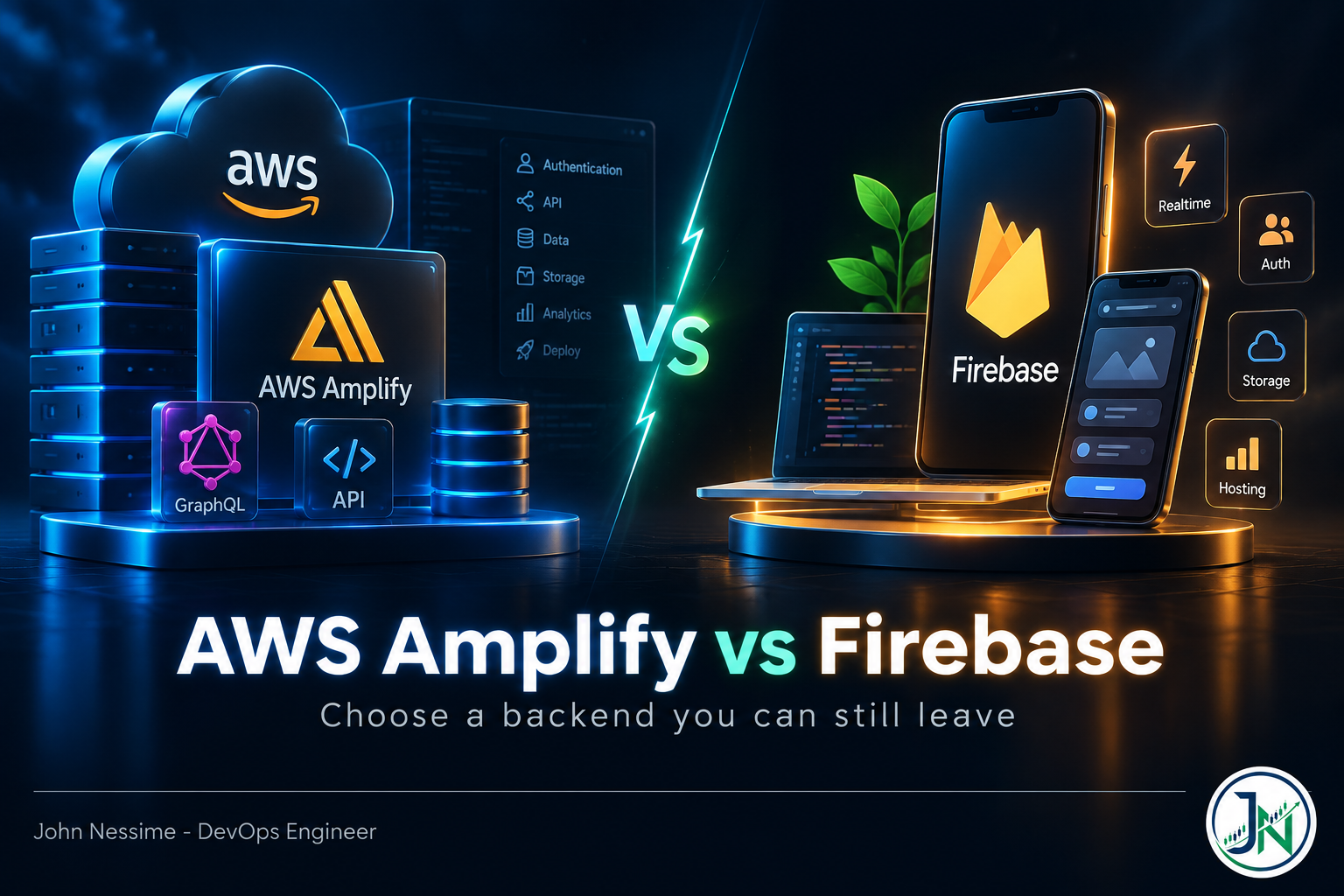
The ticket that ends the honeymoon usually looks harmless. Something like: show me last quarter’s orders, grouped by region, filtered to three statuses, sorted by value. Someone picks it up, opens the backend, and works out that there is no way to answer it without either pulling the whole collection down to the client or standing up a second database next to the first one.
That is the moment the AWS Amplify vs Firebase decision actually gets made. Not on day one, when both platforms look like a schema file, a typed client and a deploy that just works. On day two hundred, when the read path you committed to without noticing starts charging rent.
This post is a comparison, but not a feature tour. Both vendors publish good feature tables and neither of them is lying. What they do not tell you is which parts of the platform you can walk away from cheaply and which parts you are stuck with. So this is organised around the four things that decide that: the data model, the billing shape, the auth layer, and the exit cost.
The failure mode that bites: your read path is decided on day one
Both platforms hand you a pleasant abstraction over a NoSQL store. Firebase gives you Firestore, a document database. Amplify’s data layer, by default, gives you AppSync sitting in front of DynamoDB. In both cases you write a schema, get a typed client, and start shipping.
Here is what neither schema file makes obvious: it is not a description of your data. It is a bet on the queries you will need. Change the bet later and you are not editing a schema, you are backfilling.
In Firestore, every query shape needs an index that supports it. Filter on two fields and sort on a third and you need a composite index. The console will helpfully offer to create it for you, which is why most teams never notice they are accumulating a per-query-shape index budget. There are no joins. If an order needs its customer’s name, either you denormalise the name into the order document or you do a second fetch per row.
In Amplify, relationships between models are resolved by AppSync, which usually means an extra round trip per relationship. Secondary indexes have to be declared in the schema so the underlying table can be built to serve them. Same constraint, different vocabulary.
The good news is that both vendors have finally admitted this is a problem. Firebase Data Connect puts a managed Cloud SQL for PostgreSQL instance behind a GraphQL schema and generates typed SDKs against it. On the AWS side, Amplify’s data layer can be pointed at a SQL database rather than DynamoDB, and the newer Blocks approach lets you compose Postgres and other capabilities into an existing Amplify backend. If your application has anything resembling reporting, joins or ad-hoc filtering in its future, start there rather than starting on documents and migrating under pressure.
AWS Amplify: where it wins and where it doesn’t
Amplify Gen 2 defines the whole backend in TypeScript. Auth, data, storage and functions all live as code in an amplify/ directory, get reviewed in pull requests, and compile down through CDK to CloudFormation.
// amplify/data/resource.ts
import { type ClientSchema, a, defineData } from '@aws-amplify/backend';

const schema = a.schema({
  Order: a
    .model({
      region: a.string().required(),
      status: a.enum(['PENDING', 'SHIPPED', 'CANCELLED']),
      total: a.float(),
    })
    .authorization((allow) => [allow.owner()]),
});

export type Schema = ClientSchema<typeof schema>;

export const data = defineData({ schema });
Two things in that snippet matter more than they look. The authorization call is not a comment about intent, it generates the actual resolver-level access rules, so an access change is a code change with a diff. And ClientSchema flows the backend types into the frontend, which means removing a field breaks the build rather than breaking production at 3am.
Development happens in a per-developer cloud sandbox. It watches the amplify/ folder and redeploys on save:
# Deploy and watch your own isolated backend stack
npx ampx sandbox

# Tear it down when you're finished - it is real infrastructure
npx ampx sandbox delete
Where Amplify wins
- You are already on AWS. If your organisation has accounts, IAM boundaries, a VPC design and a compliance story, Amplify slots into all of it. Firebase would mean a second cloud to audit.
- The escape hatch is real. Because the backend compiles to CDK, you can drop into raw constructs and attach any AWS service without leaving the framework. That ceiling is much higher than Firebase’s.
- Environments are branches. Git branch to deployed environment is the native model, so staging is not a thing you build, it is a thing you push.
- Type safety end to end. This genuinely catches a class of bug that Firebase projects tend to find in production.
Where Amplify doesn’t
- Gen 1 is on a clock. Amplify Gen 1 is in maintenance mode and reaches end of life on 1 May 2027. This matters because a lot of the tutorials, Stack Overflow answers and agency codebases you will encounter are Gen 1, and Gen 1 to Gen 2 is a migration, not an upgrade. AWS ships tooling for it, but the guide describes a blue/green run with an irreversible refactor step. Budget for it properly.
- “Local” development is not local. The sandbox is a real CloudFormation stack in a real account. It is high fidelity, which is the point, but your inner loop now includes deploy time and your dev environment costs money.
- Errors surface as AWS errors. A mistake in a TypeScript schema can come back as a CloudFormation rollback referencing a resource you never named. Debugging Amplify means being comfortable reading AppSync, DynamoDB and CloudWatch.
- Smaller community. Fewer answers exist, and a meaningful share of the ones that do exist are for the previous generation.
Google Firebase: where it wins and where it doesn’t
Firebase’s advantage is not that it is simpler. It is that the whole loop, from writing a rule to seeing a client behave, is shorter. The emulator suite runs the pieces on your machine:
# Run auth, Firestore and functions locally, no cloud project touched
firebase emulators:start --only auth,firestore,functions
The thing you will spend the most time on is security rules, and it is worth understanding why they are shaped the way they are:
rules_version = '2';
service cloud.firestore {
  match /databases/{database}/documents {
    match /orders/{orderId} {
      allow read: if request.auth != null
                  && request.auth.uid == resource.data.ownerUid;

      allow create: if request.auth != null
                    && request.auth.uid == request.resource.data.ownerUid;

      allow update, delete: if false;
    }
  }
}
The distinction people get wrong is resource.data versus request.resource.data. The first is the document as it exists in the database, so it protects the read path. The second is the document the client is trying to write, so it protects the write path. Use the wrong one in a create rule and you are checking ownership on a document that does not exist yet, which evaluates to nothing and quietly lets the write through. That is the kind of bug that ships.
Where Firebase wins
- Mobile. Crashlytics, Cloud Messaging, Remote Config, A/B testing and analytics are one SDK away and genuinely good. AWS has equivalents, but not assembled like this.
- Offline and realtime. Firestore’s offline persistence and listener model handle flaky connectivity without you designing for it. If your users are on trains or in warehouses, this is a serious argument.
- Emulators. Being able to run the backend on a laptop, in CI, with no cloud project, is a real productivity difference against Amplify’s cloud sandbox.
- Time to first screen. For a prototype or an MVP that needs to exist by Friday, Firebase usually wins on speed alone.
Where Firebase doesn’t
- Configuration drifts out of git. The console is convenient and it is also a second source of truth. Indexes get created from an error link, a provider gets enabled by hand, and six months later nobody can rebuild the project from the repository. Terraform and the Firebase CLI both help, but you have to decide to use them.
- Security rules are a language, not a checkbox. They are also evaluated on the server for every access, which has cost implications when rules perform document lookups.
- Features you assume are included are an upgrade. Multi-factor auth, SAML and OIDC, blocking functions, audit logging and multi-tenancy live behind the Identity Platform upgrade, which comes with a different pricing model. On the free Spark plan, upgrading also introduces a daily active user cap. Find this out during design, not during an enterprise sales cycle.
- The ceiling is lower. When you outgrow Firebase you are usually moving to Google Cloud proper, which is a different set of tools and a different mental model.
What actually generates the bill
Rates change, so treat published numbers as current-at-time-of-reading and go to the vendor pricing pages for the arithmetic. What is stable, and what you should actually reason about, is the shape of the meters.
Firestore charges per document, and the details are where teams get caught:
- A query that returns 200 documents is 200 reads, whether you use two fields from each one or forty.
- A realtime listener is charged a read each time a document in its result set is added or updated. Attach a listener to a busy collection and you have built a meter that runs while nobody is looking at the screen.
- Where your SDK exposes query offsets, skipped documents are still billed. Paginate with cursors, not offsets.
- Aggregations such as
count()are billed per batch of index entries read, with a minimum of one document read. Cheap, but not free, and not zero when you run them per page load. - Stored bytes include indexes and metadata, so index sprawl shows up twice: once in write amplification, once in storage.
Amplify has no single meter, because Amplify is not a service. The bill is assembled from AppSync (query and mutation operations, realtime update messages, and connection-minutes for open WebSockets), DynamoDB, Lambda invocations and duration, CloudWatch log ingestion and retention, Cognito monthly active users, and Amplify Hosting build minutes plus data served.
That difference is the practical one. Firebase gives you a bill you can read in the console in thirty seconds. AWS gives you eight line items that will not tell you which feature caused them unless you tagged resources properly on the way in. If you go the AWS route, set up cost allocation tags and a budget alarm before launch, not after the first invoice. Pushing CloudWatch metrics into Grafana alongside your application metrics is worth the afternoon it takes, because cost anomalies and traffic anomalies are usually the same incident viewed twice.
Auth is the component you cannot cheaply replace
Firebase Authentication and Amazon Cognito are both fine. Neither is the reason to pick a platform. But auth is the layer where switching hurts most, because you are not migrating data, you are migrating sessions and identities, and every user notices.
Both let you export users, including password hashes, so a migration is technically possible. What is hard is everything hanging off the user ID: rules that compare against it, resolver authorisation that assumes it, third-party integrations keyed on it, and support tooling that looks users up by it.
One habit removes most of that pain regardless of which platform you pick: store your own internal user record from the first commit, with your own primary key, and treat the provider’s UID as an external identifier on that record. It costs you one table and one lookup. It converts an auth migration from a rewrite into a mapping exercise.
Hosting is the layer nobody should agonise over
Amplify Hosting deploys from a git branch and supports server-rendered frameworks. Firebase now has two: the original Hosting for static sites, and App Hosting for modern server-rendered apps, which is generally available and runs on Cloud Run with Cloud CDN in front.
Both are good. Neither should influence your decision much, because hosting is the one layer with genuine competition and near-zero switching cost. A Next.js or Nuxt app moves to Vercel, Netlify, Cloudflare Pages or a container on a VPS from a provider like InterServer or DigitalOcean in an afternoon. Put a CDN such as Cloudflare in front and the origin becomes an implementation detail your users never see.
Spend your deliberation budget on the data layer instead. That is where it pays.
Exit cost, ranked
If you rank the layers by what it costs to leave, the ordering is the same on both platforms and it is the opposite of the ordering people use when choosing:
- Hosting. Swap it in a day. Barely counts as lock-in.
- Functions. Cloud Functions and Lambda handlers are mostly your own code with a different signature wrapped around it. A rewrite, but a bounded one.
- Auth. A user migration project with a communications plan attached.
- The data model. You do not migrate this. You rebuild the read path. Firestore’s managed export produces Firestore-format files in Cloud Storage, and DynamoDB exports to S3, and in both cases what lands is denormalised documents shaped by decisions you made two years ago, not a relational dataset you can point a reporting tool at.
There is a fifth item with no clean export at all: realtime. Firestore listeners and AppSync subscriptions have no portable equivalent, so if realtime is core to your product, whichever you choose is close to permanent. That is not automatically an argument against either. It is an argument for knowing you are making that commitment when you make it.
AWS Amplify vs Firebase: how I’d actually decide
Not a scorecard. A procedure, in order, stopping at the first clear answer:
- Write down your three hardest read queries. Not the CRUD. The reporting screen, the search, the admin filter. If you cannot write them, you are not ready to choose a backend.
- Do any of them need joins, aggregates or filters you cannot predict? If yes, start relational: Firebase Data Connect, Amplify over a SQL data source, or plain Postgres behind an API you own. Do not start on documents planning to fix it later.
- Is this mobile-first with real offline requirements? Firebase, and it is not close.
- Does your organisation already run on AWS? Existing accounts, IAM, VPCs, audit posture and a security team who will ask questions about a second cloud all point to Amplify, even if Firebase would be faster this quarter.
- Who is maintaining this in two years? Amplify Gen 2 expects TypeScript fluency and some tolerance for CDK and CloudFormation. Firebase expects less. Match the platform to the team you will actually have.
- Any data residency or regulatory constraints? Check region availability for every service you plan to use, not just the headline one, before you commit.
- Still tied? It is a prototype. Pick the one your team can ship this week, and write down explicitly that the data model is the part you will have to revisit.
Mistakes I see repeatedly
- Choosing on SDK ergonomics. Both SDKs are pleasant. You are picking a data model and a billing model, and the SDK is the layer you would replace most easily.
- Building reporting on the transactional store. Both platforms punish this. Stream to a warehouse or a read replica and let the operational store do one job.
- Launching without a budget alarm. A missing
limit(), a listener on a busy collection, or one post that gets traction can turn a hobby bill into a real one overnight. Set the alarm before you need it. - Treating authorisation as a later task. On both platforms, access control is coupled to the data model. Retrofitting it usually means reshaping documents.
- Following Amplify Gen 1 material. The commands, the directives and the mental model are all different. Check which generation a tutorial targets before you follow it.
- Letting console clicks become infrastructure. Anything you enabled by hand is something you cannot rebuild. Get it into the CLI config or into Terraform.
- Assuming the free tier is the plan. It is a trial of the plan. Model your costs at ten times current traffic and see whether you still like the answer.
Frequently asked questions
Is AWS Amplify or Firebase cheaper?
It depends entirely on your access patterns, and anyone who answers this without seeing them is guessing. Firebase tends to be cheaper and far more predictable at small scale, partly because the free allowances are generous and partly because there is one meter to watch. AWS tends to win when you have steady, high-volume traffic and the engineering discipline to tune DynamoDB capacity and Lambda sizing. The bigger practical difference is legibility: a Firebase bill tells you what happened, an AWS bill tells you what was consumed.
Can I move from Firebase to AWS Amplify later?
Yes, but price it by layer rather than as one project. Hosting and functions move cheaply. Auth is a real migration with user impact. The data model is usually a rebuild rather than a move, because a Firestore export gives you denormalised documents, not a relational dataset. Teams that manage this well are the ones that kept business logic out of security rules and out of client code from the beginning.
Is Amplify Gen 1 still supported?
Gen 1 is in maintenance mode and reaches end of life on 1 May 2027. It receives critical fixes and security patches, not new features. If you are starting something new, use Gen 2. If you have a Gen 1 application in production, schedule the migration deliberately using the official tooling and guide, and test thoroughly before the refactor step, which is difficult to reverse.
Do I need Firebase Data Connect, or is Firestore enough?
Firestore is enough when your reads are predictable, mostly key-based, and denormalise cleanly. The moment you need joins, aggregates across collections, or filters that product will keep changing, Data Connect’s managed Postgres is the better foundation. It is also a lot easier to adopt at the start than to migrate onto after a year of document design.
Which one is better for a mobile app?
Firebase, in most cases. The offline persistence model, the crash reporting, the push messaging and the remote configuration are all mature and designed to work together. Amplify has mobile libraries and they work, but you are assembling the surrounding pieces from separate AWS services rather than getting them as a set.
What about a self-hosted alternative?
Worth considering if lock-in is your main worry. Supabase and Appwrite both offer a comparable developer experience over Postgres, and either can run on your own infrastructure. Understand what you are taking on, though: backups, restore testing, upgrades, patching and monitoring all become yours. That is a real operational load, and it is the trade most teams are implicitly paying a managed vendor to avoid.
Can I use both together?
You can, and some teams do run Firebase for analytics and messaging alongside an AWS backend. Be honest about the cost: two identity models, two billing accounts, two audit trails and two on-call runbooks. Do it because one platform is clearly better at a specific job, not because it was easier than making a decision.
The one thing worth remembering
The AWS Amplify vs Firebase question is almost never settled by features, and it is never settled by which SDK feels nicer in a tutorial. Both platforms will get you to a working application quickly, and both will hold up in production for the workloads they were designed for.
What separates them, months later, is the read path you committed to on day one and the layer you cannot afford to leave. Write down your three hardest queries before you write any schema. Decide whether you need relational storage while it is still a decision rather than a migration. Keep your own user record from the first commit. Set a budget alarm before launch.
Do those four things and either platform is a reasonable choice. Skip them and neither one saves you.
Need a second opinion before you commit?
Backend platform decisions are cheap to review and expensive to reverse. Things I help with in this area:
- Reviewing a Firestore or DynamoDB data model against the queries you actually need, before the design hardens
- Cost modelling both platforms against your real traffic assumptions, with the meters broken out so you can see what drives the bill
- Amplify Gen 1 to Gen 2 migration planning, including the blue/green sequence and what to verify before the irreversible step
- Auditing Firestore security rules and Amplify authorisation rules for gaps between the read path and the write path
- Setting up cost allocation tags, budget alarms and CloudWatch or Grafana dashboards so a runaway query shows up in hours rather than on the invoice
- Exit planning: working out what a migration off your current platform would genuinely cost, layer by layer
If you want a concrete answer rather than a general one, send me the thing itself: your schema file, your security rules, a screenshot of last month’s billing breakdown, or the three queries you are worried about. That is usually enough to tell you something useful.